try {
  console.log('This is the try block');
} catch (error) {
  console.error('Caught an error:', error);
}Ah, the sweet relief of a well-placed try-catch block. If you've debugged this at 2am — I feel you. There's nothing quite like the thrill of squashing that one pesky bug that's been haunting you for hours. In this case, our code doesn't actually throw an error, but we're getting ahead of ourselves. Try catch JavaScript is a fundamental concept that can save your skin when things go wrong.
Error Handling in JavaScript: The Basics
JavaScript provides us with a built-in mechanism for handling errors using the try-catch block. It's pretty straightforward — we wrap our potentially problematic code in a try block, and if anything goes wrong, we catch the error in the corresponding catch block.
try {
  throw new Error('Something went wrong!');
} catch (error) {
  console.error('Caught an error:', error);
}But what exactly happens when we throw an error? In short, it creates a new Error object and passes it to the catch block. We can then access this object to get more information about what went wrong.
The Error Object
The Error object contains some useful properties that can help us diagnose and handle errors more effectively.
- message: A human-readable description of the error.
- name: The type of error (e.g., SyntaxError, ReferenceError).
- stack: A string representing the call stack at the point where the error occurred.
try {
  throw new Error('Invalid input');
} catch (error) {
  console.log(error.message); // Invalid input
  console.log(error.name); // Error
  console.log(error.stack); // ...
}
Nested Try-Catch Blocks
Sometimes we might need to handle errors within errors. Sounds confusing? Don't worry — it's not as complicated as it sounds. We can simply nest another try-catch block inside our existing one.
try {
  try {
    throw new Error('Inner error');
  } catch (innerError) {
    console.error('Caught inner error:', innerError);
    throw new Error('Outer error');
  }
} catch (outerError) {
  console.error('Caught outer error:', outerError);
}This way, we can handle both inner and outer errors separately and avoid propagating unnecessary errors up the call stack.
Best Practices for Using Try-Catch JavaScript
So how do we make the most of try-catch blocks in our code? Here are some personal tips:
- Keep your try blocks small and focused on a specific task to minimize potential errors.
- Avoid bare catches — always specify an error variable to get more information about what went wrong.
- If you can't handle an error properly, consider re-throwing it with more context or logging it for later analysis.
Conclusion
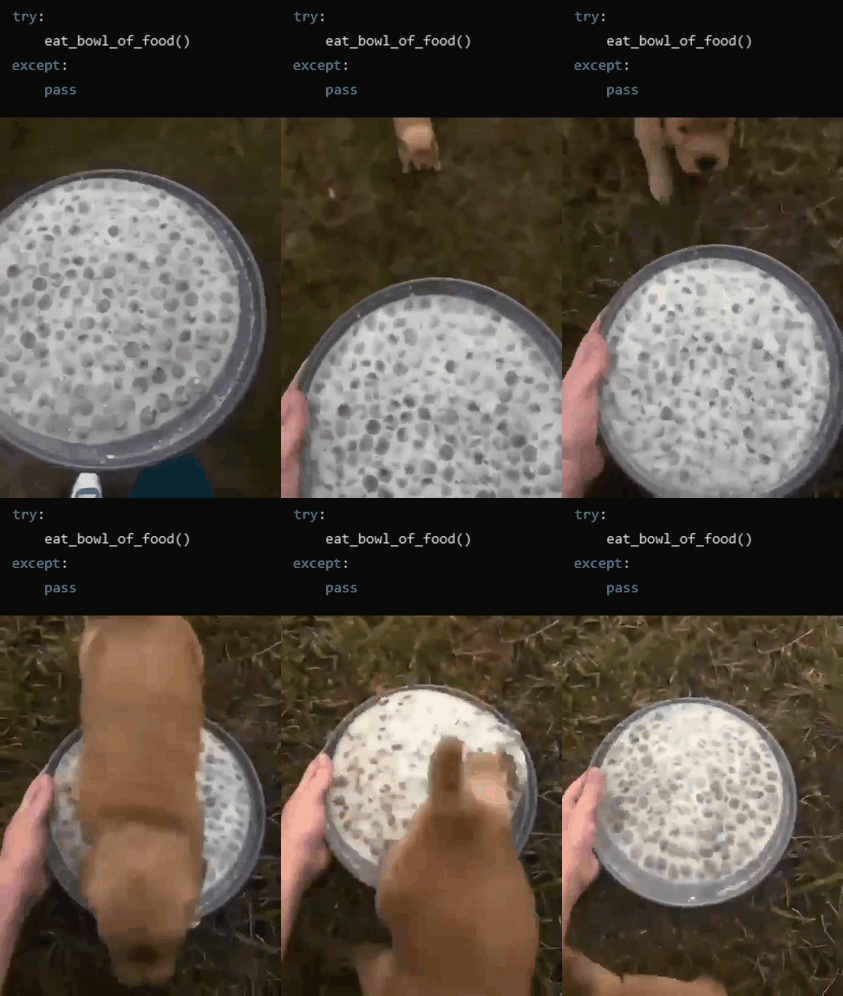
Try catch JavaScript might seem simple at first glance, but there's more to it than meets the eye. With practice and experience, you'll become proficient in using these blocks to write more resilient code that handles unexpected errors with ease.
If you're looking for more ways to improve your coding skills or simply want to explore other programming languages, check out CodeConverter.co, an AI-powered code language converter that helps you translate code between different languages with just a few clicks!