import time
from tqdm import tqdm

for i in tqdm(range(100)):
time.sleep(0.1)There's nothing quite like the feeling of watching a progress bar fill up - it's like the code equivalent of a caffeine boost. And that's exactly what `tqdm` brings to the table. This handy Python library is perfect for anyone who's ever found themselves wondering if their code is actually doing anything or just stuck in an infinite loop.
What is tqdm, anyway?
Basic Usage
Using `tqdm` is ridiculously simple. Just wrap your loop with `tqdm()`, and you're good to go!
import time
from tqdm import tqdm

for i in tqdm(range(10)):
time.sleep(1)Customizing Your Progress Bar
But what if you want to get a little fancier? Maybe you want to display more information, like the current iteration or the total number of iterations. That's where `tqdm`'s formatting options come in.
import time
from tqdm import tqdm

for i in tqdm(range(10), desc="My fancy progress bar", unit="iterations"):
time.sleep(1)Nested Progress Bars
Sometimes, you've got loops within loops. Don't worry - `tqdm` has got you covered there too!
import time
from tqdm import tqdm

for i in tqdm(range(5), desc="Outer loop"):
    for j in tqdm(range(5), desc="Inner loop", leave=False):
        time.sleep(0.1)
Manual Updates
Sometimes, you need a little more control over your progress bar. That's where manual updates come in.
import time
from tqdm import tqdm

pbar = tqdm(total=100)
for i in range(100):
    pbar.update(1)
    time.sleep(0.1)
pbar.close()If you're still debugging at 2am and wondering why your code isn't working, take a deep breath and remember - it's probably just a missing `tqdm`. Seriously though, this library is a lifesaver when it comes to keeping track of your code's progress.
And if you're looking for an easy way to convert your Python code into other languages — or maybe just clean up your existing codebase — be sure to check out CodeConverter.co. It's the perfect tool for any developer looking to make their life easier!
Related Articles
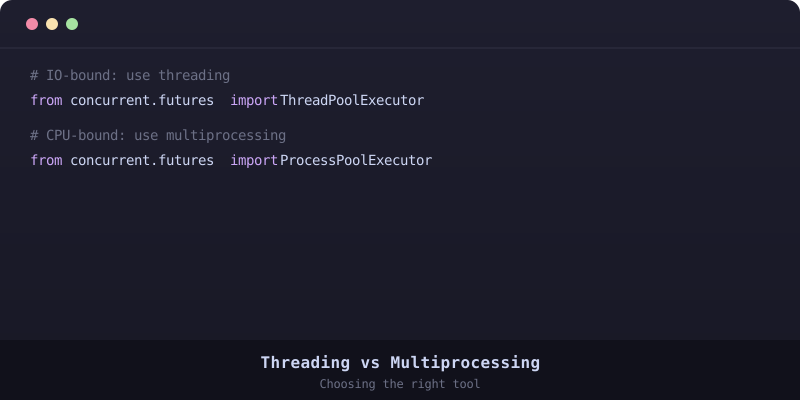
Python Threading vs Multiprocessing: When to Use Which
Choose between threading and multiprocessing in Python. IO-bound vs CPU-bound tasks explained with benchmarks.

Python lru_cache: Speed Up Functions with Memoization
Cache expensive function calls with functools.lru_cache. Fibonacci to API calls — memoize everything.
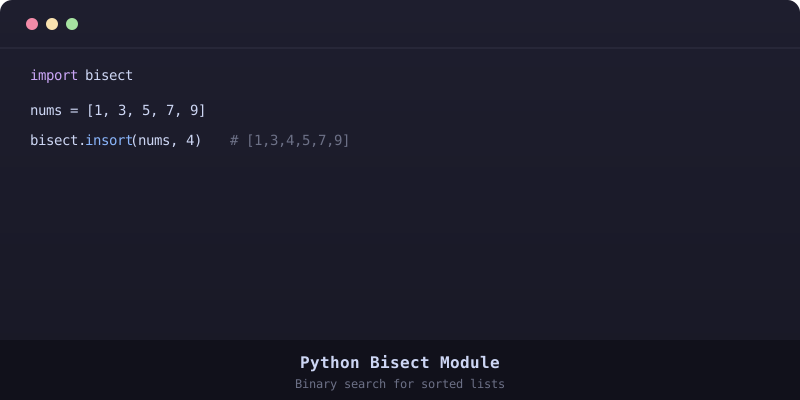
Python bisect Module: Binary Search for Sorted Lists
Use bisect for efficient sorted list operations. insort, bisect_left, and real-world use cases.