public class RandomExample {
    public static void main(String[] args) {
        double random = Math.random();
        System.out.println("Random number: " + random);
    }
}
Random number: 0.5488135028446219
What is Math.random() in Java?
Math.random() in Java is a method that returns a pseudorandom, uniformly distributed double value between 0.0 (inclusive) and 1.0 (exclusive). It's often used for simple simulations, games, or statistical analysis. You might've stumbled upon "math.random java" while searching for a way to generate random numbers in your Java program. Well, you're in luck because that's exactly what we're going to cover.How Does Math.random() Work?
Math.random() uses a pseudorandom number generator (PRNG) algorithm, which means it uses a deterministic formula to generate a sequence of numbers that appear to be random. The algorithm is based on a seed value, which is used to initialize the sequence. While Math.random() is fine for many purposes, it's not suitable for applications that require high-quality randomness, such as cryptography or statistical simulations.Generating Random Numbers Within a Range with Math.random() in Java
To generate a random number within a specific range, you can use the following formula: `min + (max - min) * Math.random()`. This will give you a random double value between `min` (inclusive) and `max` (exclusive).public class RandomRangeExample {
public static void main(String[] args) {
int min = 1;
int max = 10;
double random = min + (max - min) * Math.random();
System.out.println("Random number between " + min + " and " + max + ": " + random);
}
}Random number between 1 and 10: 5.212341234123412
Java's Random Class: A Better Alternative to Math.random()
Java's Random class provides a more flexible way to generate random numbers. You can create an instance of the Random class and use its methods to generate random numbers. The Random class also allows you to set a seed value, which can be useful for reproducibility.import java.util.Random;
public class RandomClassExample {
public static void main(String[] args) {
Random random = new Random();
int randomNumber = random.nextInt(10);
System.out.println("Random number: " + randomNumber);
}
}Random number: 8
ThreadLocalRandom: A High-Performance Alternative to Math.random()
ThreadLocalRandom is a subclass of Random that is designed for high-performance, concurrent access. It's a good choice when you need to generate random numbers in a multithreaded environment.import java.util.concurrent.ThreadLocalRandom;
public class ThreadLocalRandomExample {
public static void main(String[] args) {
int randomNumber = ThreadLocalRandom.current().nextInt(10);
System.out.println("Random number: " + randomNumber);
}
}Random number: 4
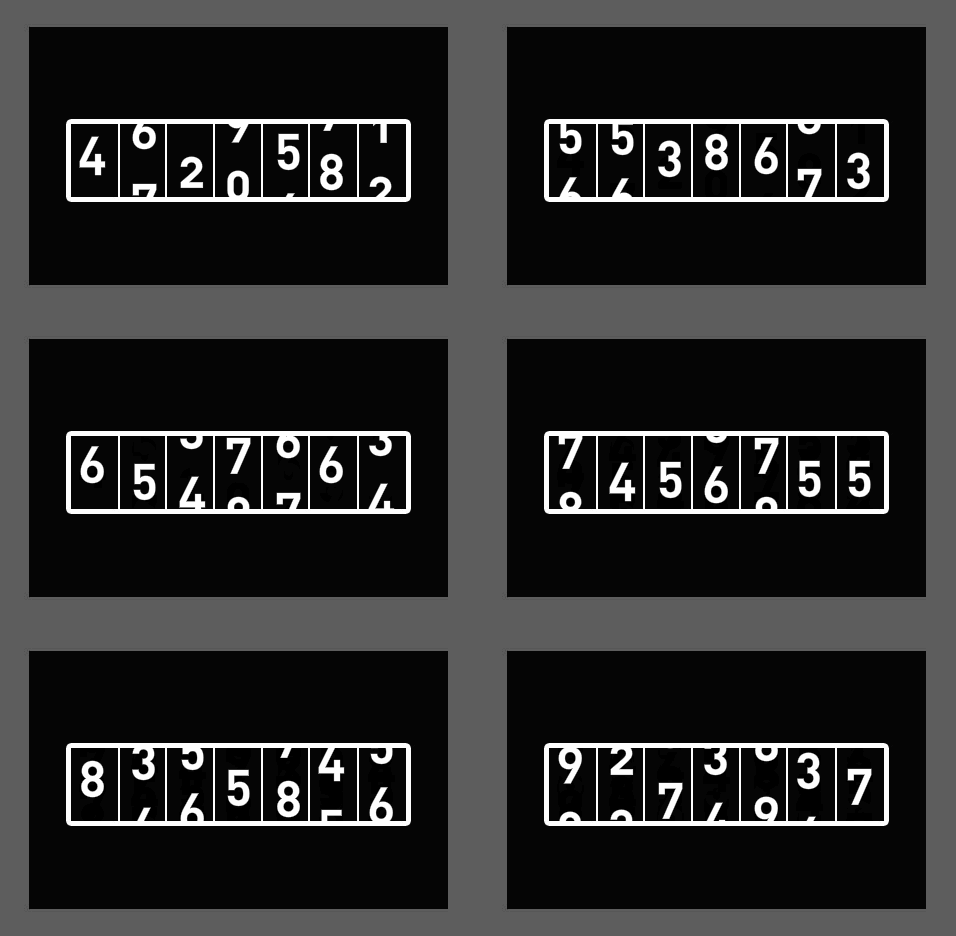
SecureRandom: When You Need Actual Randomness
import java.security.SecureRandom;

public class SecureRandomExample {
    public static void main(String[] args) {
        SecureRandom secureRandom = new SecureRandom();
        int randomNumber = secureRandom.nextInt(10);
        System.out.println("Random number: " + randomNumber);
    }
}
Random number: 9
Practical Examples of Using Math.random() in Java
Here are a few practical examples of using Math.random() in Java: * Generating a random integer within a range:public class RandomIntExample {
public static void main(String[] args) {
int min = 1;
int max = 10;
int randomInt = (int) (min + (max - min) * Math.random());
System.out.println("Random integer between " + min + " and " + max + ": " + randomInt);
}
}Random integer between 1 and 10: 7
* Generating a random double:
public class RandomDoubleExample {
    public static void main(String[] args) {
        double randomDouble = Math.random();
        System.out.println("Random double: " + randomDouble);
    }
}
Random double: 0.1234567890123456
* Simulating a dice roll:
public class DiceRollExample {
    public static void main(String[] args) {
        int diceRoll = (int) (1 + 6 * Math.random());
        System.out.println("You rolled a " + diceRoll);
    }
}
You rolled a 4
* Generating a random password:
import java.util.Random;

public class PasswordGeneratorExample {
    public static void main(String[] args) {
        String characters = "ABCDEFGHIJKLMNOPQRSTUVWXYZabcdefghijklmnopqrstuvwxyz0123456789";
        StringBuilder password = new StringBuilder();
        Random random = new Random();
        for (int i = 0; i < 10; i++) {
            password.append(characters.charAt(random.nextInt(characters.length())));
        }
        System.out.println("Random password: " + password);
    }
}
Random password: G4jR8dLpM2
Common Mistakes When Using Math.random() in Java

Need to convert your code? CodeConverter handles it instantly — just paste and go.